

Adventures in AI Photo Editing
A simple time-saving tip

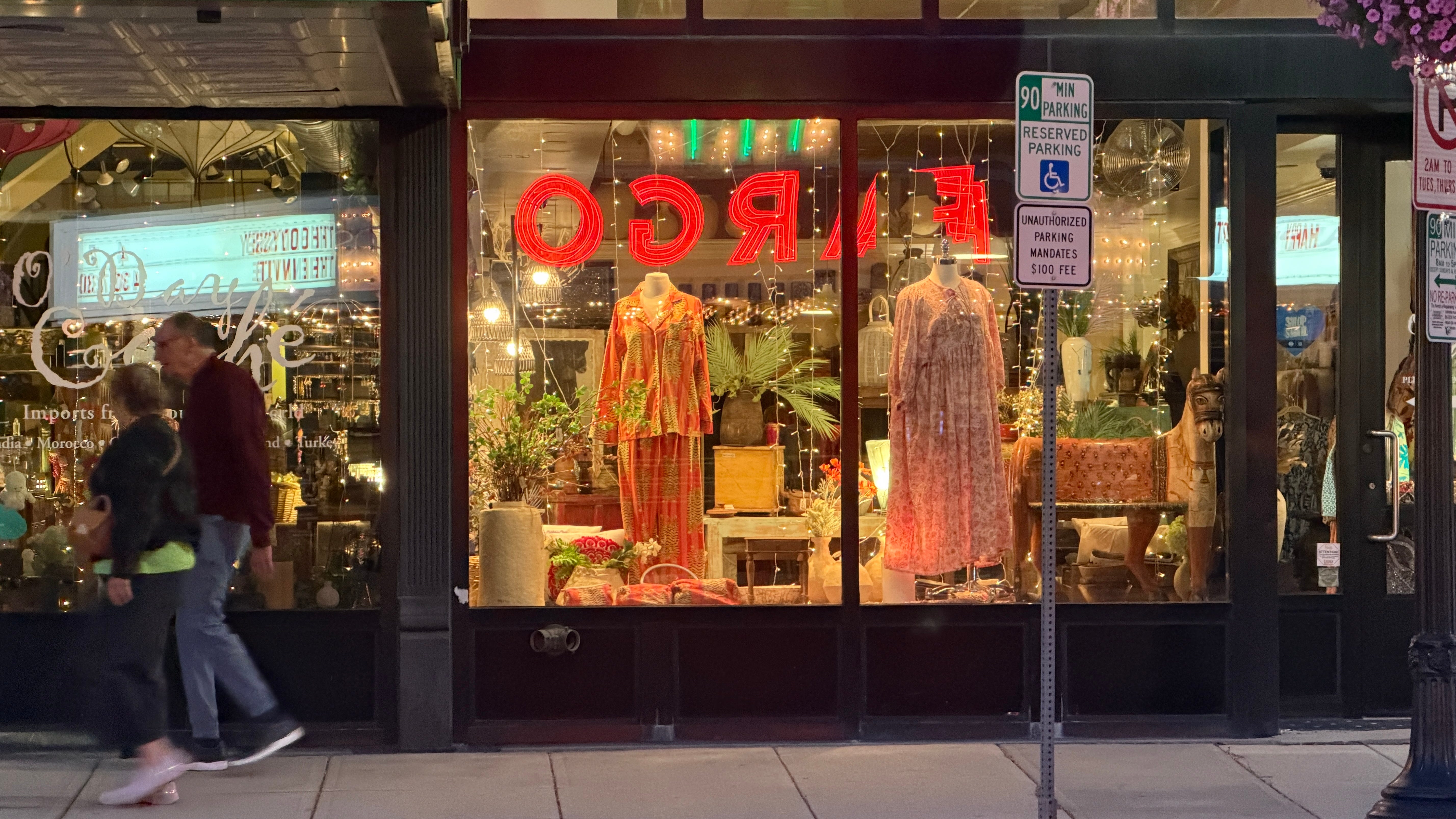
I’m in North Dakota this week filming new Photowalks episodes. Have camera, will travel!
I want to walk you through the steps I took with AI tools to make this photo a little closer to my vision. First, I want to remind you that each week, when I remember, I post my gear list here, in case you have any questions about what I use.
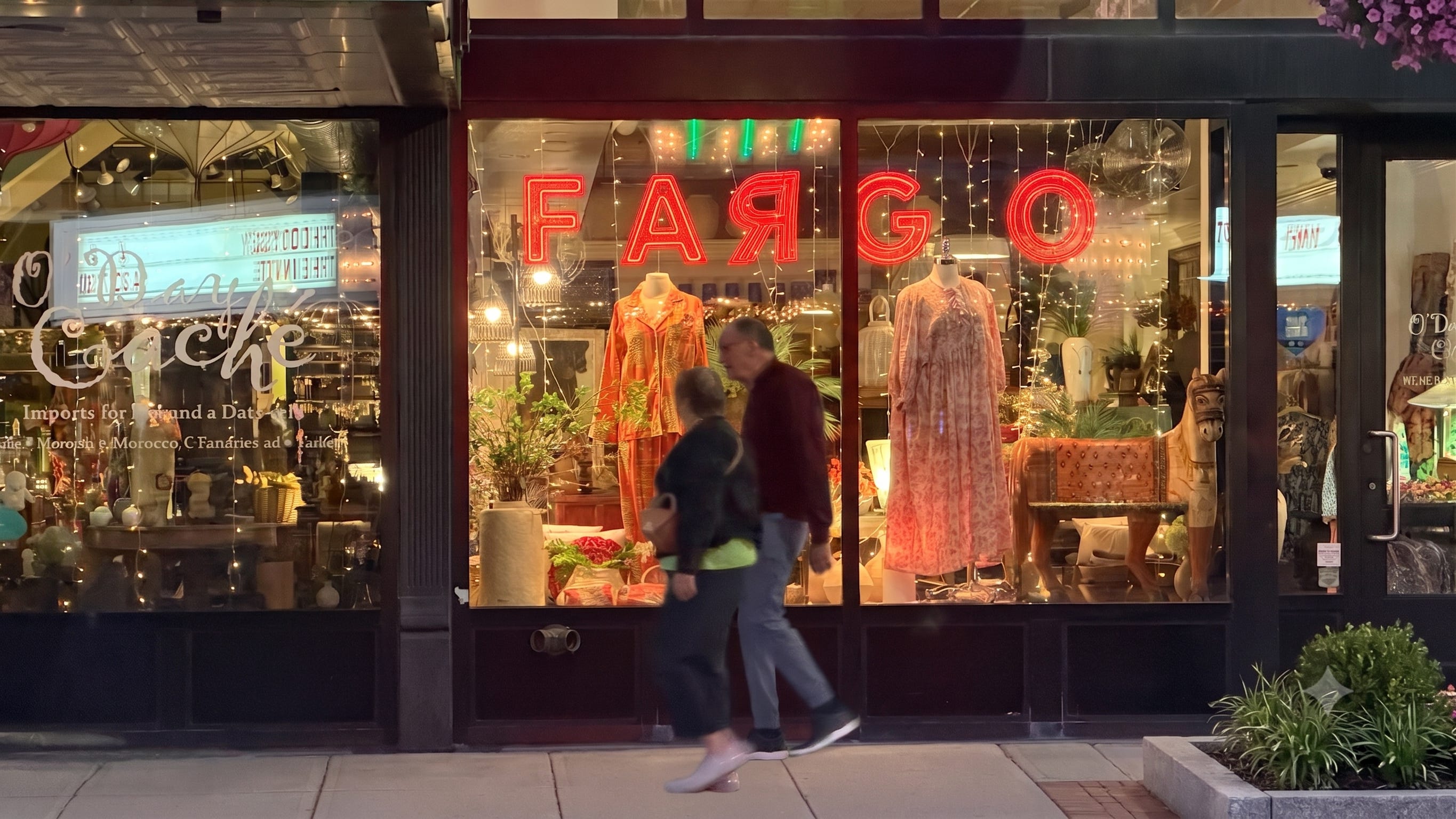
Now onto photo editing time! I really like this street photography shot on Broadway, across the street from the historic Fargo Theater. But I have things I’d want to change.
For starters: the letters of the Fargo marquee are backwards in the shop window. Why not flip them? That’s an easy fix in any photo editor. In Apple Photos, go to Crop, then click the top left icon that flips a horizontal photo when you have backwards letters. In Google Photos on Android, select “Mirror” in the Crop tool.
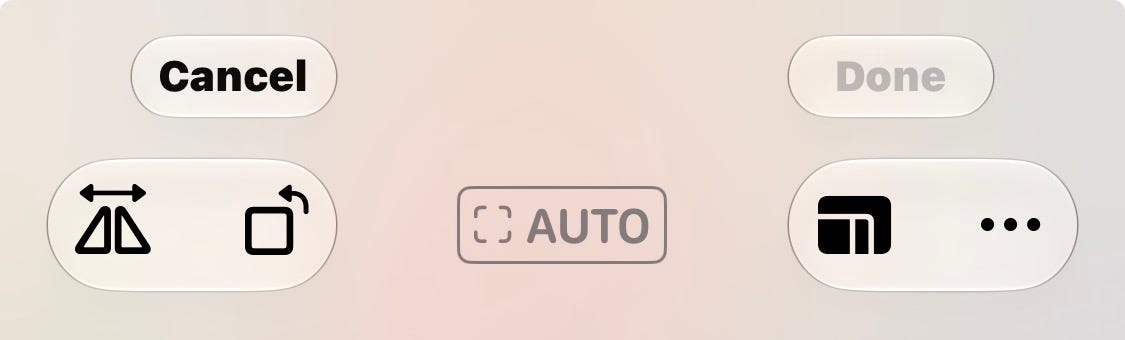
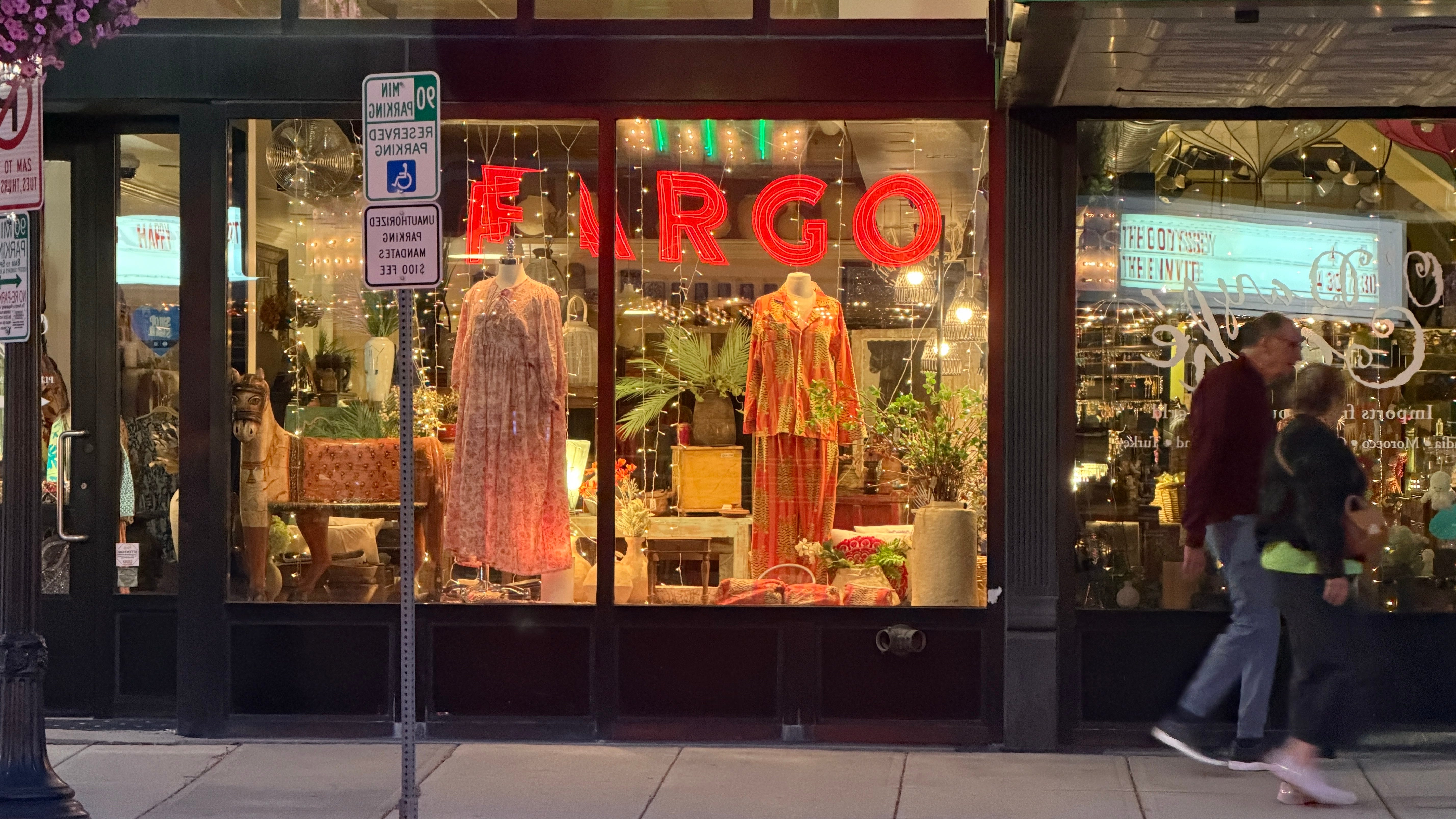
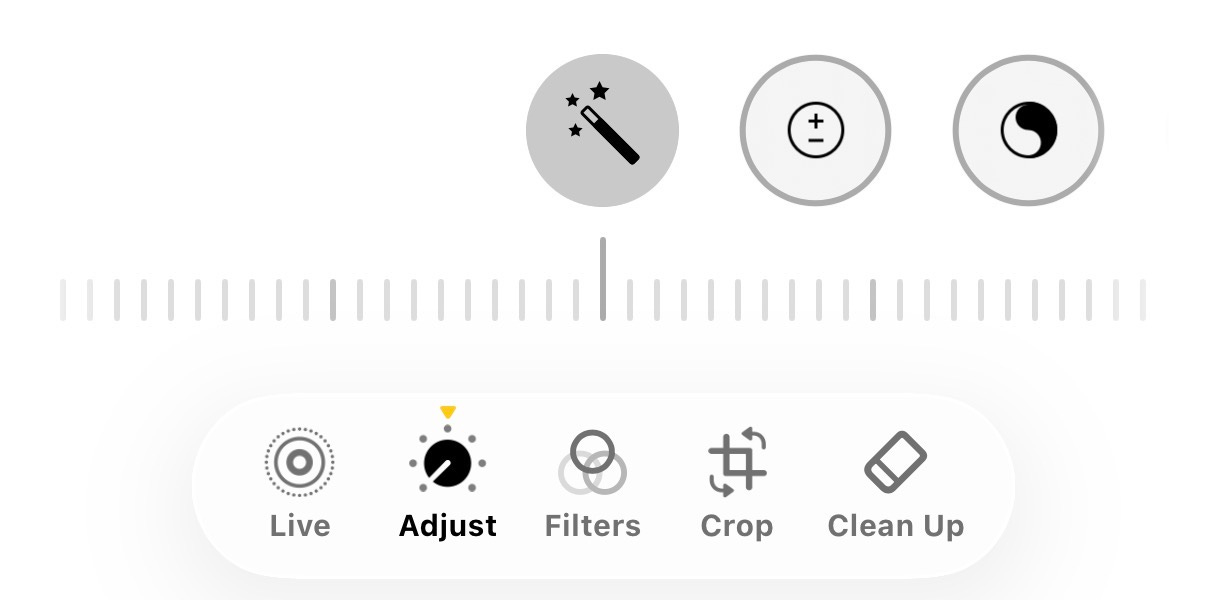
There we go. Now the letters are readable, but the parking signs are backwards. And I’d rather not see them at all. On recent Apple devices, the “clean up” tool will let you erase objects. (Go to Edit and select the Clean Up tool at the bottom of the screen.) In Google Photos select the “Magic Eraser” in edit tools.
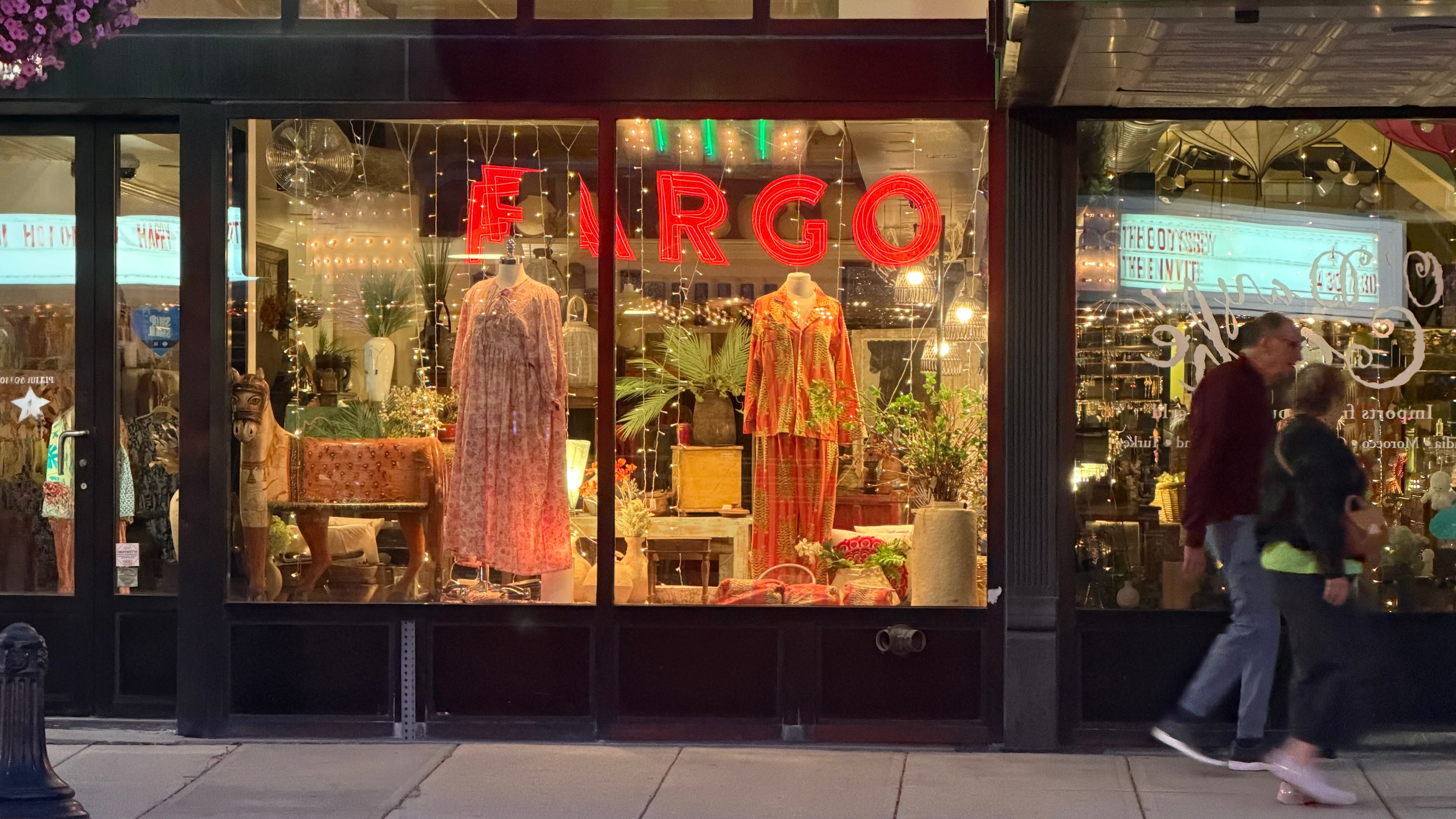
Now we got rid of the sign. Good. Apple Photos has a new feature, coming in the next iOS edition in September called “Reframe,” where you could supposedly move your subjects from one end of the frame to the other, to basically retake the photo the way you should have in the first place. (With street photography, you get what you get. I couldn’t tell the couple to be in the middle of the frame.)
Sadly, this feature promises a lot, but delivers very little.
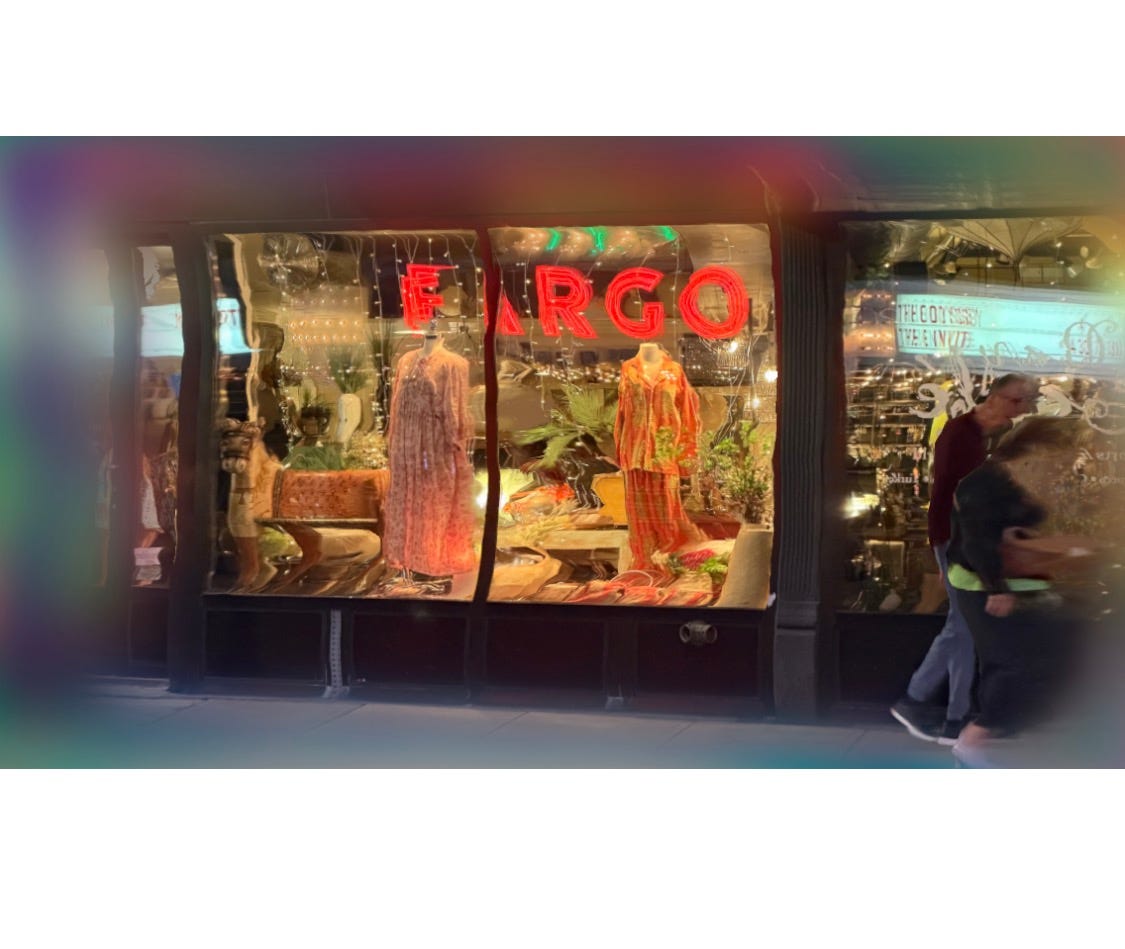
So instead of spending too many clicks trying to make it work, I went to the best AI photo editor I’ve ever come across. Her name is ChatGPT. The prompt: Flip the Fargo letters, remove the parking sign and put the pedestrians in the middle of the frame.
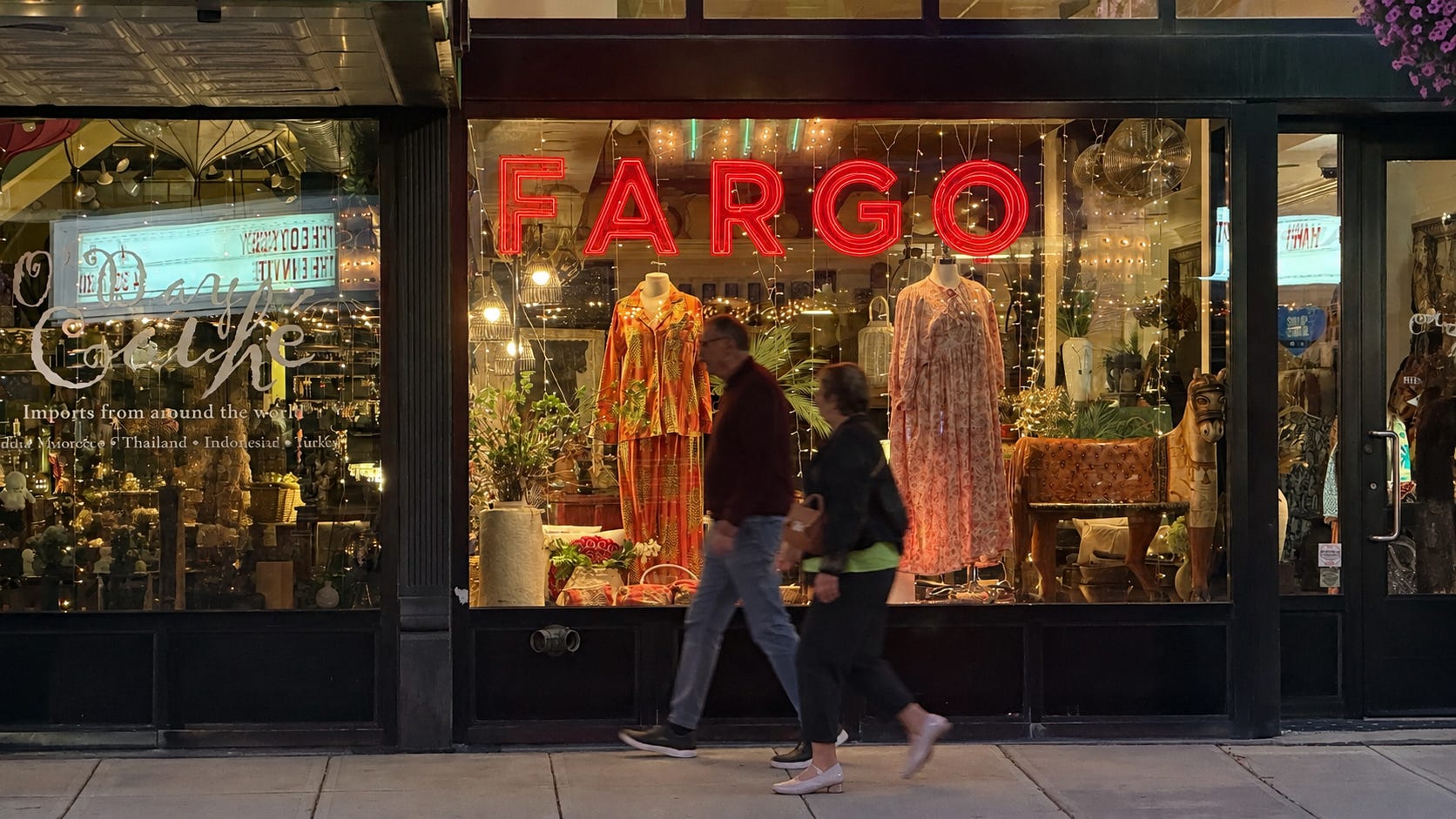
Then, just for good measure, I put the image into Radiant Photo 2, which offers a one-click process to basically brighten up and tone the image. Final result?
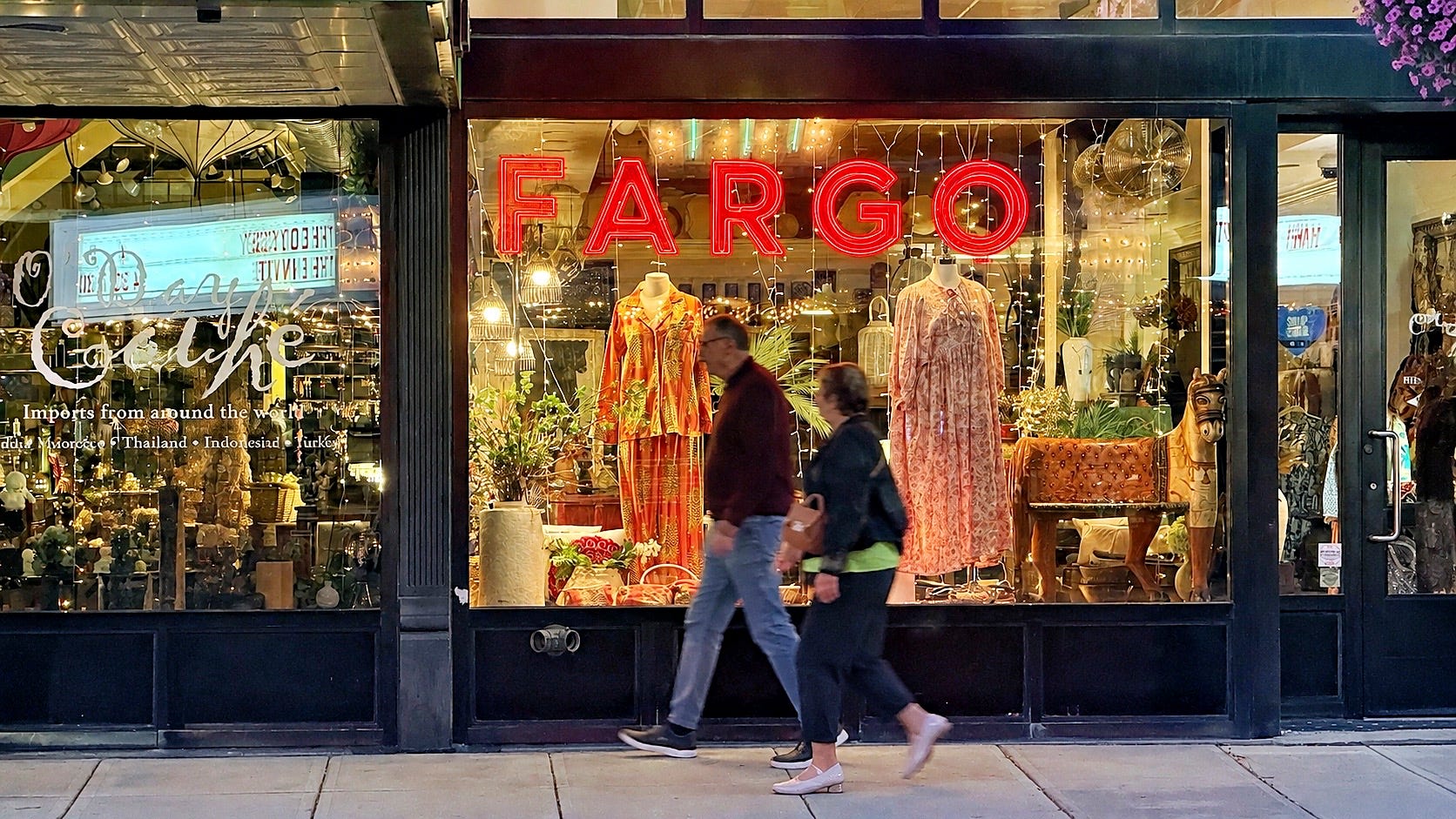
And just for good measure, I also asked Google Gemini to do the same thing, and the initial results were unacceptable, with a backwards R in the Fargo lettering. I did finally get there, after several requests for a do-over.
Have you tried ChatGPT for photo editing yet? (The service is free, but if you use it a lot, as I do, you have to pay a monthly fee. I subscribe for $20 monthly.) Is there a better AI photo editor I should be aware of? How do you feel about AI photo editing? Please do tell!
Today I’m in Sioux Falls, South Dakota, off to Minneapolis Tuesday. If you’re in any of these areas, let me know and let’s meetup!
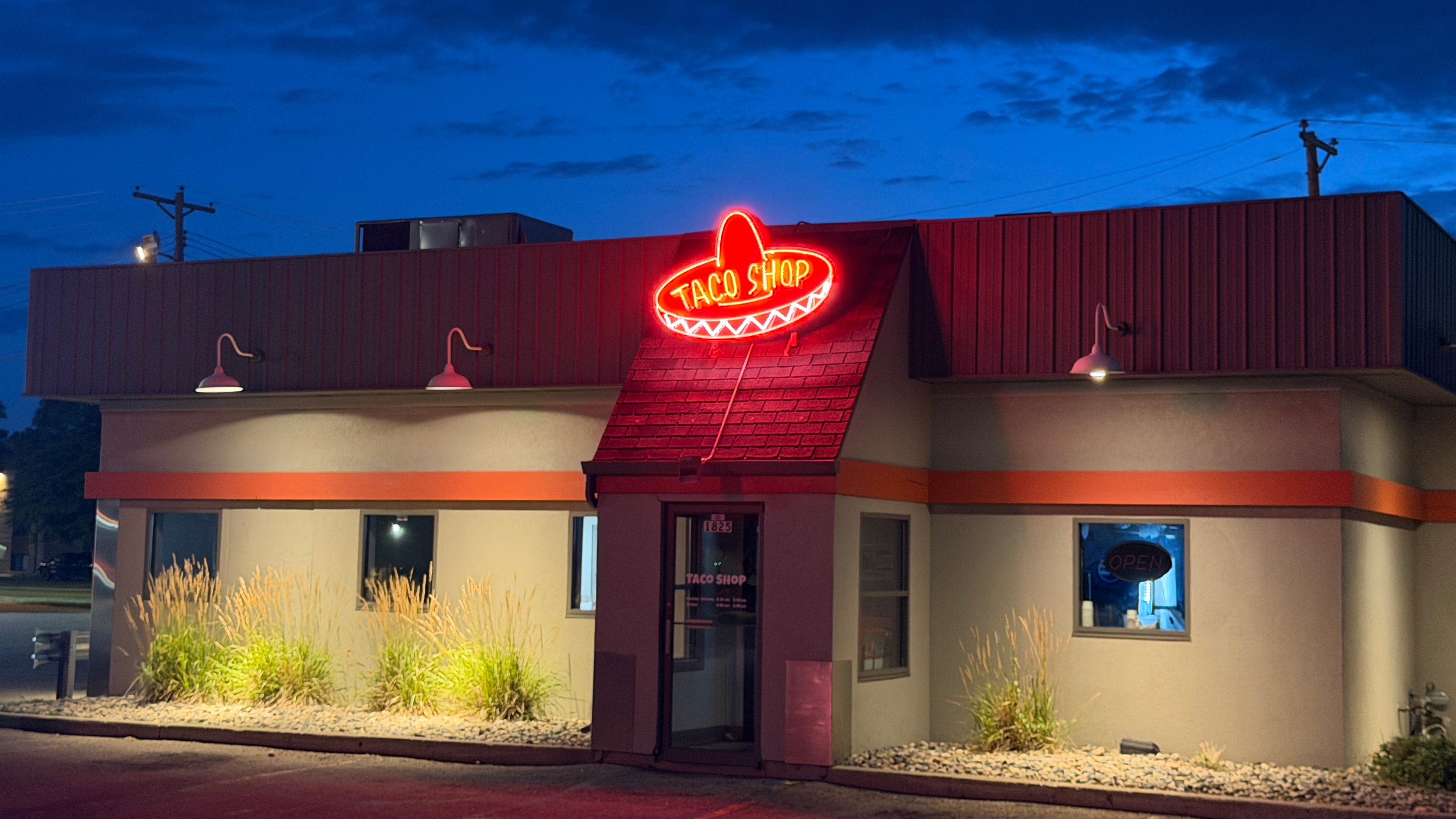
I drove by this Fargo taco shop several times until I couldn’t take it anymore. I had to pull over and get this shot. Who else had that feeling this week? I’d love to hear from you. (No AI was used to edit this photo.)
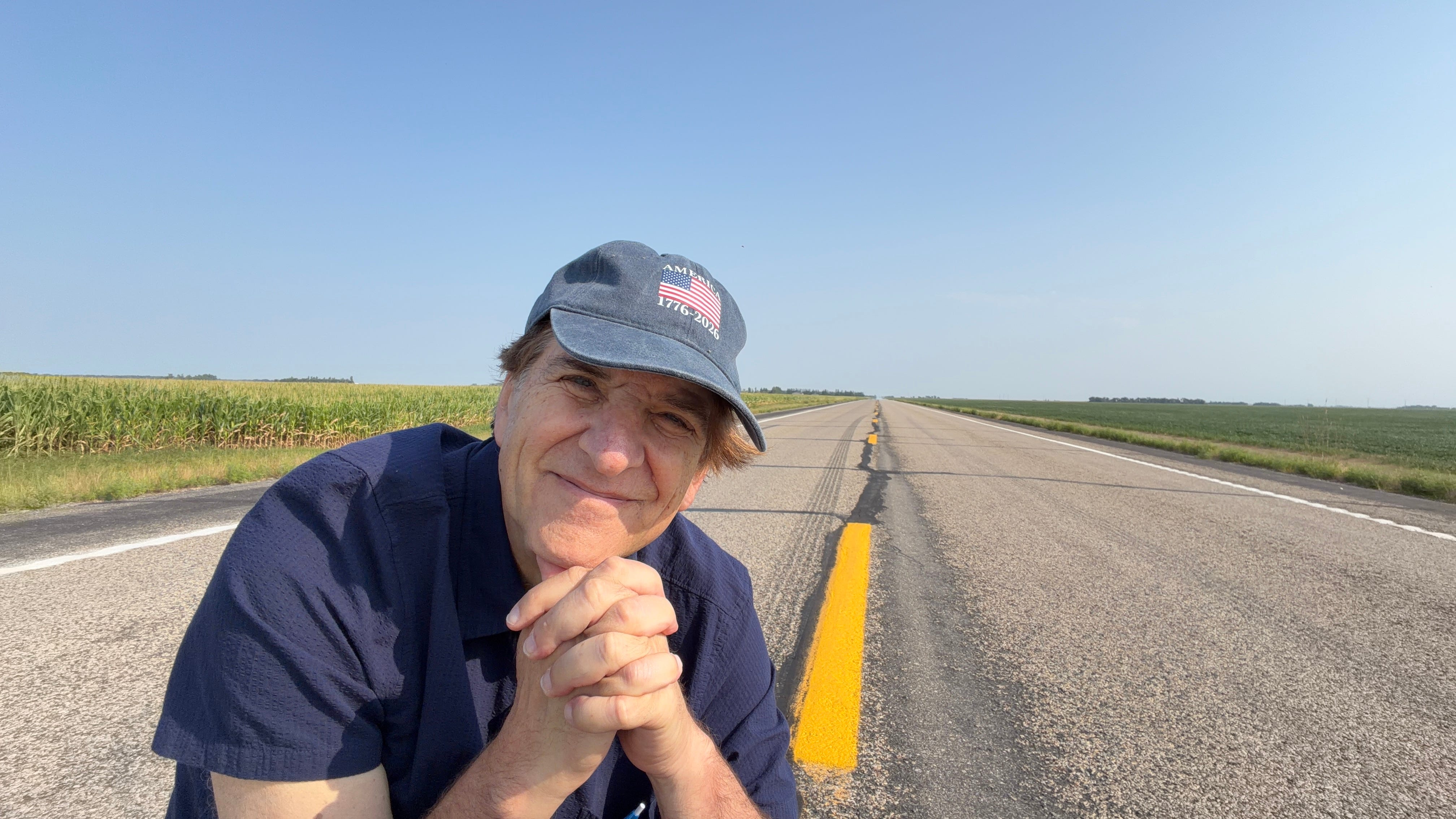
Nor the one below, even though it would have been an easy prompt to ask it to put me onto an empty road. Somehow I don’t think it would have looked as natural as the real thing.
Further down, they have some great country backroads on the outskirts of Fargo. I sure had a ball there this week!
Thanks as always for spending time with the newsletter. If you enjoyed it, please share with a friend.
Jeff