

Travel Planning with A.I.
It's changed the way I figure out my upcoming trips


I’m just returning from a Midwest jaunt through Fargo, North Dakota, Sioux Falls, South Dakota and Minneapolis, visits that were much easier to plan than in the past, thanks to that ever-present new addition to our lives, A.I.
We all know and gripe about A.I. all the time, but what a huge difference A.I. has made for planning trips—something I do seemingly every day.
(This year I’ve been on the road for 11 weeks so far filming Photowalks episodes, so fair to say I’ve turned to A.I. daily for travel advice.)
It was able to recommend itineraries that were pretty right on, places to eat I might like and even, for me, people I might want to interview for Photowalks.
I couldn’t imagine travel planning without it and would never want to return to the basic Google searches of yore.
The old way: type questions into Google about places to stay and things to do.
The new way: “I’m planning a trip to San Francisco. What should I see and do, where should I stay, when should I go, let’s map out a two-day itinerary and can I have addresses and links please?”
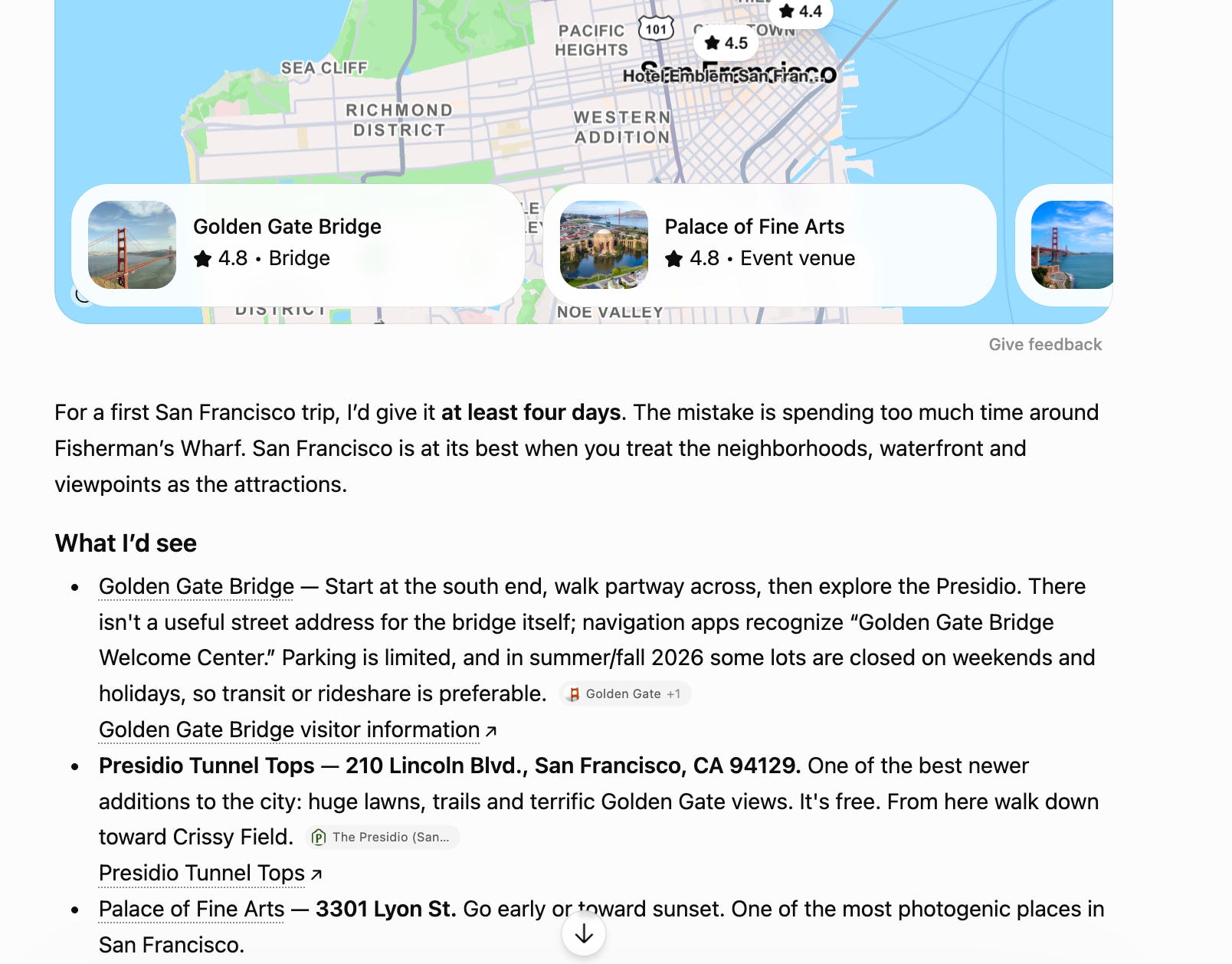
ChatGPT’s first pass gave me a host of traditional ideas, with seemingly credible suggestions. Hotel picks were not good, but the itinerary was a great place to start and refine.
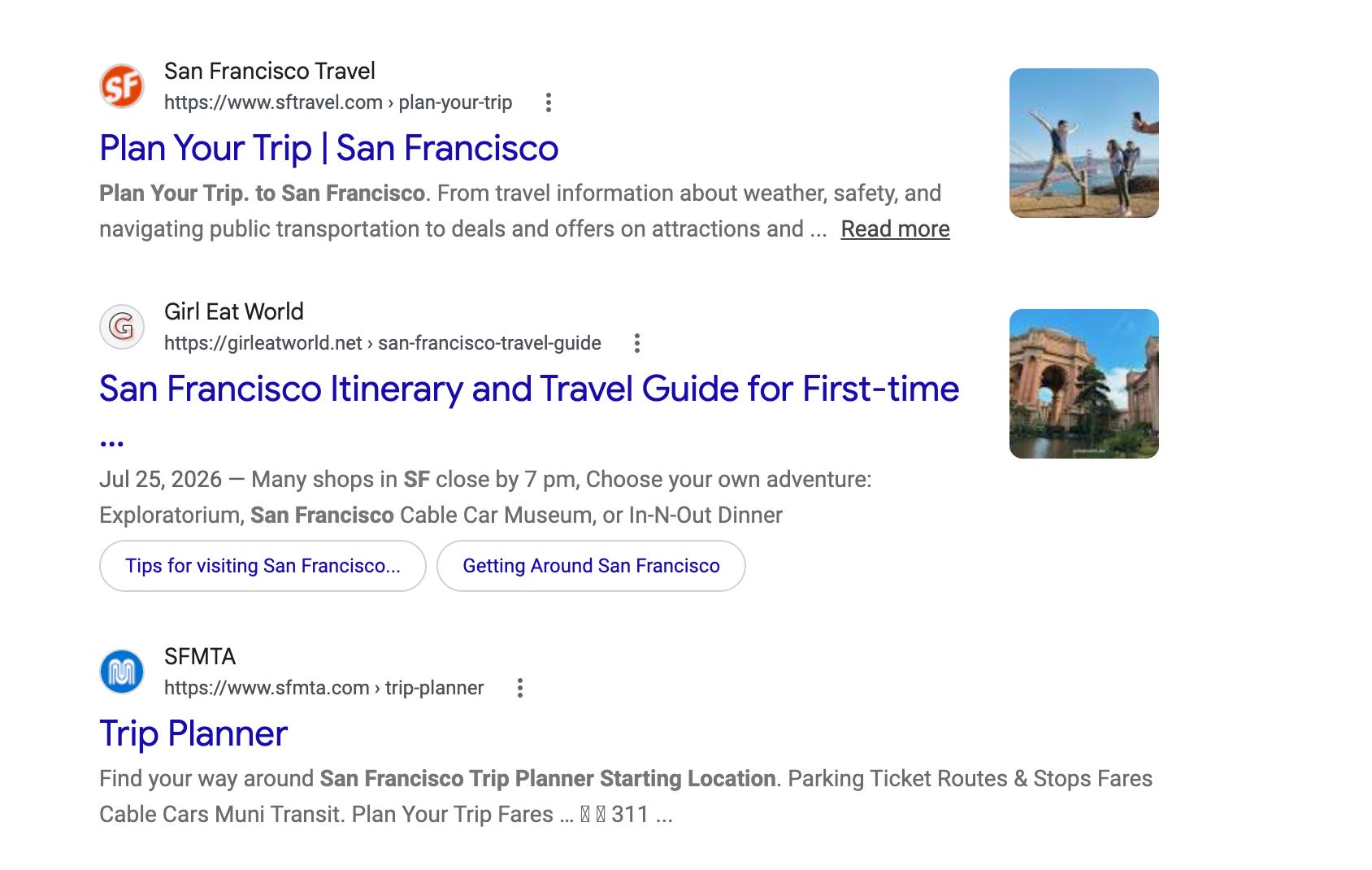
The same question on traditional Google search shows a host of website links, with the official tourism site on top, followed by a blogger who may or may not have credibility (the author doesn’t even live there) and the San Francisco public transportation website. There’s a lot of irrelevance there.
ChatGPT is my AI of choice, the OG, which has just gotten so much more relevant in the past year. Google Gemini is my backup choice—I always play them against each other for the second opinion, and will occasionally do Claude.AI as well. I pay for ChatGPT and Gemini, so I get to use them more often. I just find ChatGPT more in tune with me, which I believe comes from using it so much. It knows more about me, what I like and don’t like, so the results are better.
However, know that it’s a starting place for research, and you’ll need to argue with it to get to the right result. For instance, why was ChatGPT pushing the downtown Hyatt Regency to me? For $400 a night? I never, ever sleep that expensively. And I hate huge hotels.

The trick is that unlike Google, you can talk back.
“I'm surprised you made this suggestion to me,” I barked. The Hyatt is “one of the more expensive hotels in San Francisco and not the way I usually travel.”
ChatGPT’s response: “You're right. The Hyatt Regency was a poor recommendation for you. I over-weighted location and under-weighted the way you actually travel: you're out shooting most of the day, you don't need a luxury hotel, and paying a premium for a Bay-view room isn't a sensible use of the budget.”
Thank you!
(BTW: my favorite hotel in San Francisco is and will always be the Columbus Motor Inn, near North Beach and Fisherman’s Wharf.)
I told ChatGPT that I was doing this article, and asked for tips. Number one is a biggie: “AI gets substantially better when you tell it how you travel.”
For instance, a guy like me needs to make plain that he travels cheap, wants to stay in a specific neighborhood, which brand he might be loyal to (hello Best Western) and prefers to be walking distance and close to key locations he’ll be photographing.
Then what AI can do so well that traditional Google search never could is organize the itinerary geographically, from point A to point Z.
However, you’ll need to talk back on this one, because often the itinerary spit out is overly ambitious, and beyond what would be feasible for a one to three hour walk. “Can I really do all of this in two hours?”
ChatGPT itself admits that it’s best feature is that you can have a rolling conversation. You can say, “Too expensive.” “Too touristy.” “I want something more local.” And have it continually rebuild the trip around you.”
Can I tell you how AI Changed My Life?
One of the biggest issues for me as a photographer is figuring out the best time to be at any location for optimum results. For instance, we all know that mornings and dusk make for the best photography. And if I’m shooting a “stand-up” (addressing the camera) I need to be in even lighting, usually the shade, for optimum results.
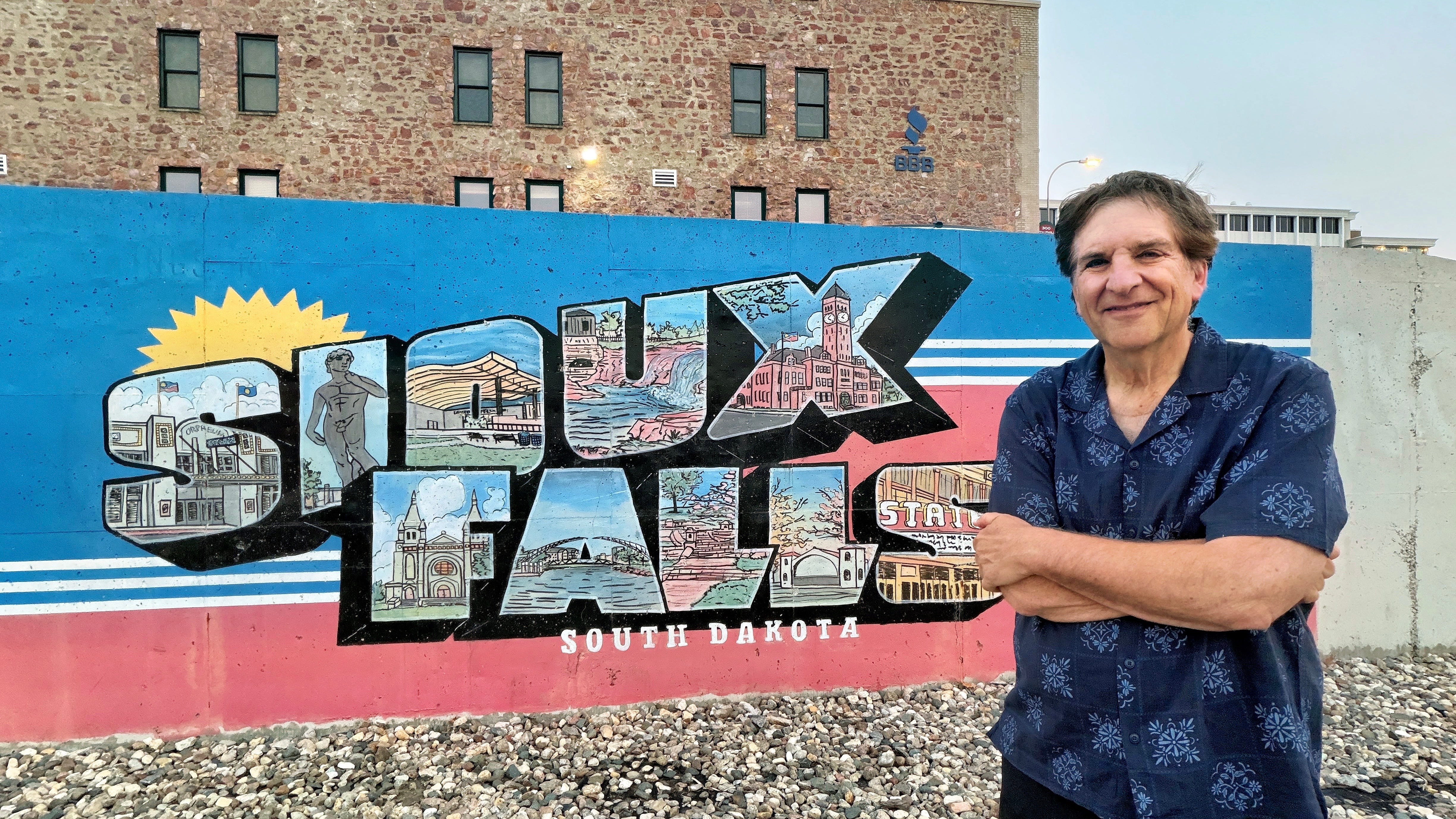
On this trip I was in Sioux Falls, South Dakota, and wanted to photograph myself in front of the Greetings to Sioux Falls mural downtown. My question: when would be the best time for this?
I was told to be there no later than 7:00 a.m., as the sun would start beaming onto the mural by 7:30.
I took ChatGPT at its word, and it was unbelievable. At 7:30 on the dot, the sun started making its way onto the mural!
As a photographer who has to plan these shoots all the time, to have AI tell me the best time to be there is a game changer and a life saver. Yes, there are apps to do this, like Photo Pills, but what can I say, I’m stupid. I’ve never been able to figure out how to navigate them.
I do know how to ask questions though!
BUYER BEWARE!
That said, always remember that AI can often be wrong. See below video.

In Monticello, Minnesota, ChatGPT gave me a song and dance about the most photogenic place to photograph in town, complete with the address.
However, the address was 100% wrong—I got sent to a strip mall. And once I used deduction to figure out where it probably meant to send me, the location was a dud. (Big thanks to hotel desk associate Kara from the Best Western who offered me some on the ground, local and much more relevant advice.)
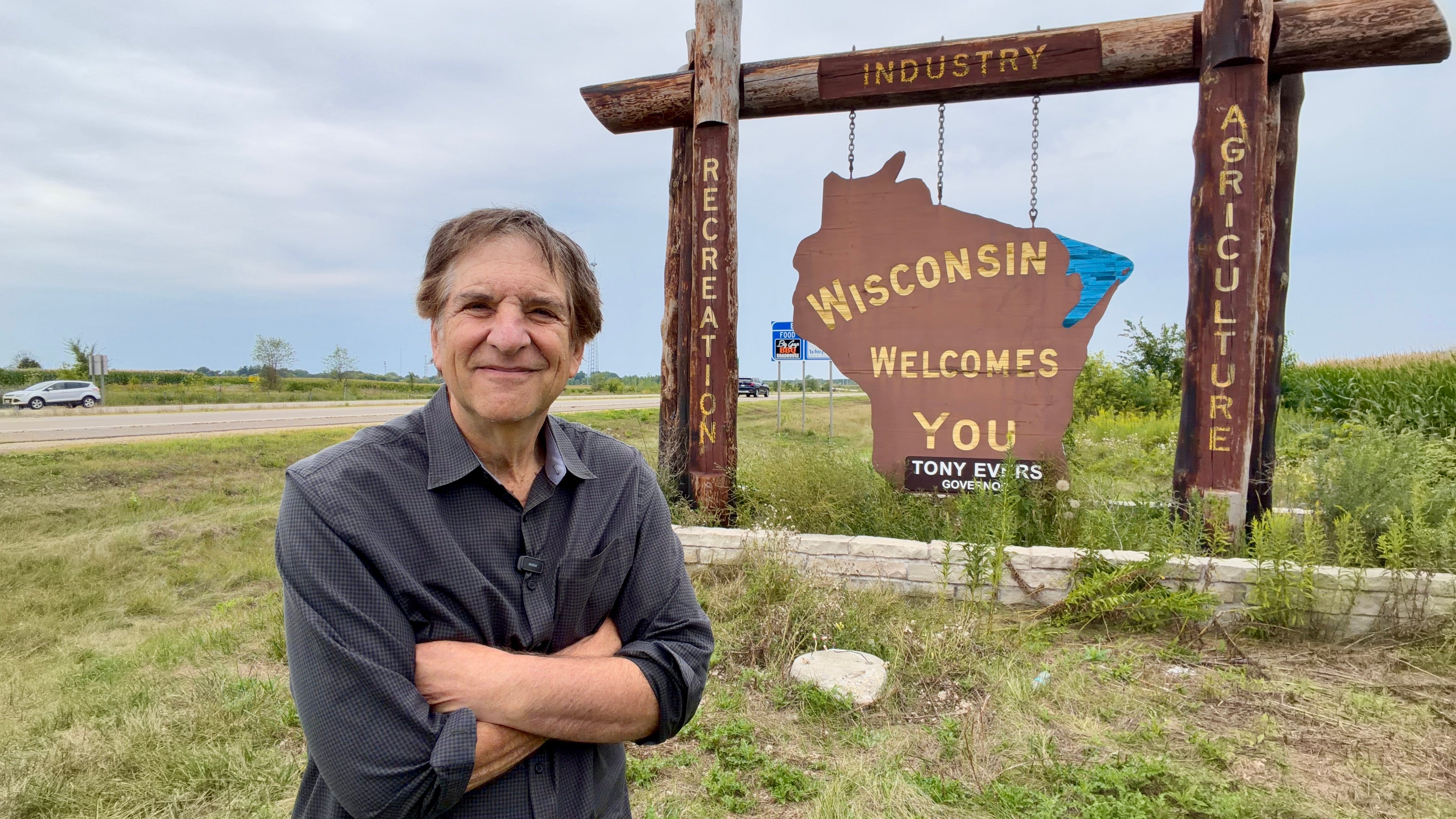
Google Maps and Apple Maps can get it wrong too. This week I drove from Minneapolis to Hudson, Wisconsin in search of the “Wisconsin Welcomes You” sign, only to be sent to a small residential street where the location was supposedly someone’s front lawn. Not!
Readers: which app do you find more useful for travel planning: ChatGPT or Gemini? Have I missed any of your tips. Let me hear from you in the comments.
Google’s new phones
Speaking of A.I., Google announced a bunch of new Pixel phones this week, using AI features as the main selling points. Headline: the phones are more expensive, by about $100, with the Pixel 11 starting at $899 and the flagship Pro Fold phone at $1,899.
(Apple is expected to introduce its new iPhone lineup, which will include a foldable phone that turns into a small tablet, like Google and Samsung, right after Labor Day.)
One new feature of the Pixel 11 phones that sounds interesting is a new Creator Suite, with a built-in teleprompter and a social media framing guide, which shows you how the shot will be cropped for different social platforms, and ensure that captions and graphics will fit within the frame.
Google says its ability to shoot in low light is now “4.5 times” better, and here’s a feature I love the sound of. I find the Pixel photos to be overly saturated and artificial looking. Now it can tweaked to your aesthetic. Phones start shipping August 20.
Next up: Louisville
We’re back on the Bourbon Trail with Sunday’s Photowalks episode, at the place where for most people, it actually begins, in Louisville, Kentucky.
This follows the four-parter series from earlier this month which began with a primer on the Trail, and brought you to three cool small Kentucky towns that are home to distilleries, great characters (did you see the Bardstown episode?) and gorgeous settings.
Be sure to check out Photowalks Louisville Sunday on our YouTube channel.

Thanks as always for spending time with the newsletter and reading, watching and listening. I’ve got to be honest: I’m going to miss those open fields of sunflowers from out in the prairie, but then again, there’s another trip in three weeks, so it will be back to the open road soon. Where are you headed next? Anybody have fun Labor Day travel plans?
Jeff